OmniAgent
مساعد ذكاء اصطناعي مكتبي لنظام Windows يعمل محليًا، يوفر Overlay ذكي فوق أي تطبيق مع دعم LM Studio وOllama، وتركيز كامل على الخصوصية والموافقة قبل تنفيذ أي إجراء.
نظرة عامة على المشروع
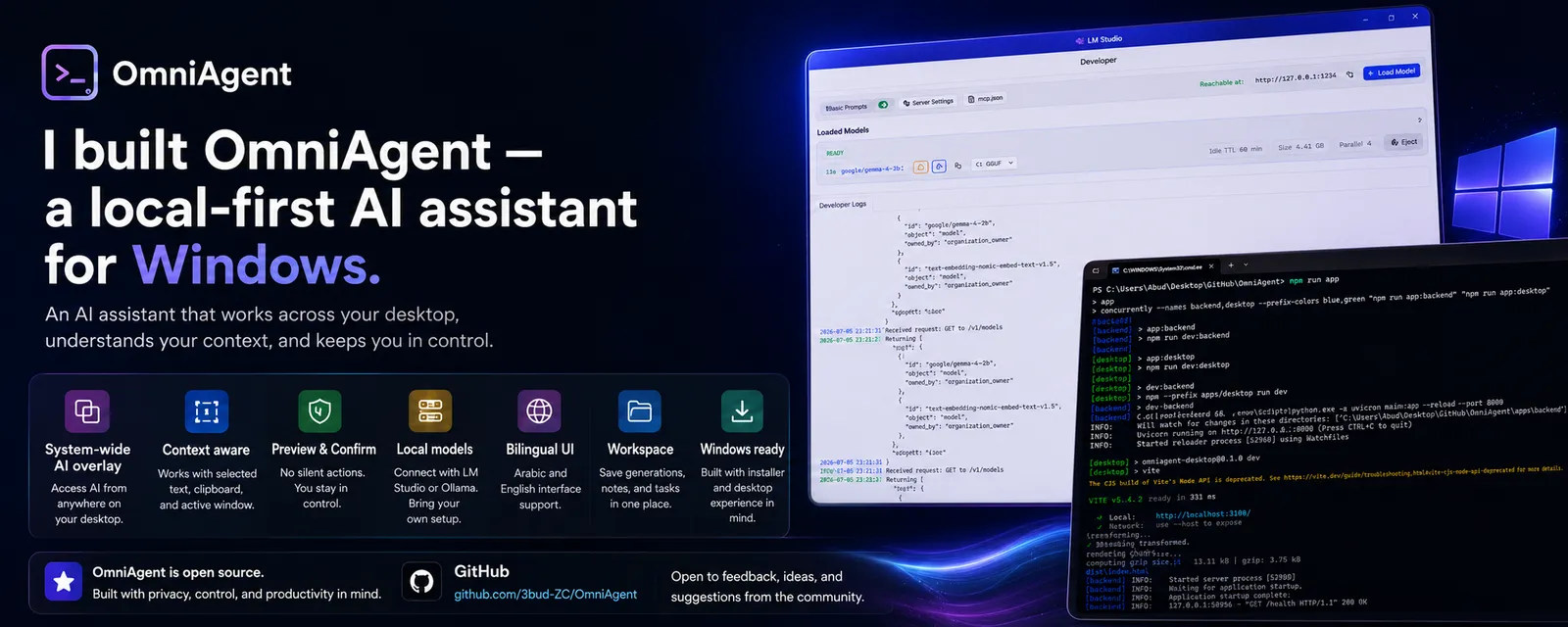
OmniAgent is a Windows-first desktop AI assistant designed to bring local AI support directly into the user’s daily workflow. Instead of forcing users to switch back and forth between apps and browser-based chat tools, OmniAgent provides a system-wide overlay that can be opened above any active window and used for drafting, summarizing, rewriting, and productivity assistance. The project is built with Electron, React, TypeScript, and a local Python FastAPI backend. It connects to local OpenAI-compatible providers such as LM Studio and Ollama, allowing users to work with AI models locally while keeping privacy and user control as core principles.
المشكلة التي تم حلها
Most AI assistants depend heavily on cloud platforms or require users to leave their current workflow, copy content manually, open another browser tab, paste the text, generate a response, then return to the original app. This creates friction for developers, creators, and power users. It also raises privacy concerns when sensitive context, clipboard content, or selected text is sent to external services without clear control. The challenge was to design a desktop AI assistant that can stay close to the user’s workflow while keeping actions safe, local-first, and approval-based.
الحل المقترح والمنفذ
I built OmniAgent as a local-first Windows desktop assistant with a dedicated Electron interface and a Python FastAPI backend. The app provides a global AI overlay that can be triggered with Ctrl + Alt + A, connects to local AI providers like LM Studio and Ollama, and uses a preview-and-confirm flow before performing sensitive actions such as pasting text. The system separates the desktop UI from the backend logic, making the app easier to test, extend, and maintain. Safety boundaries were added to prevent unsafe automation, shell execution, hidden actions, or uncontrolled system behavior.
الميزات الرئيسية
- System-wide AI overlay triggered with Ctrl + Alt + A
- Local AI provider support through LM Studio and Ollama
- Electron + React desktop interface
- Python FastAPI local backend
- Preview & Confirm flow before paste actions
- Local context awareness for active window and selected input
- Arabic and English interface support with RTL/LTR layouts
- Local workspace for saved generations, notes, and tasks
- Provider settings and diagnostics pages
- Action logs and safe metadata tracking
- Privacy-first design with no telemetry by default
- Windows installer packaging
التقنيات المستخدمة
النتائج والفائدة
محتاج مشروع مشابه؟
أبني لك حل مخصص يتناسب مع احتياجك وميزانيتك. احسب التكلفة أو تواصل مباشرة.
مشاريع ذات صلة
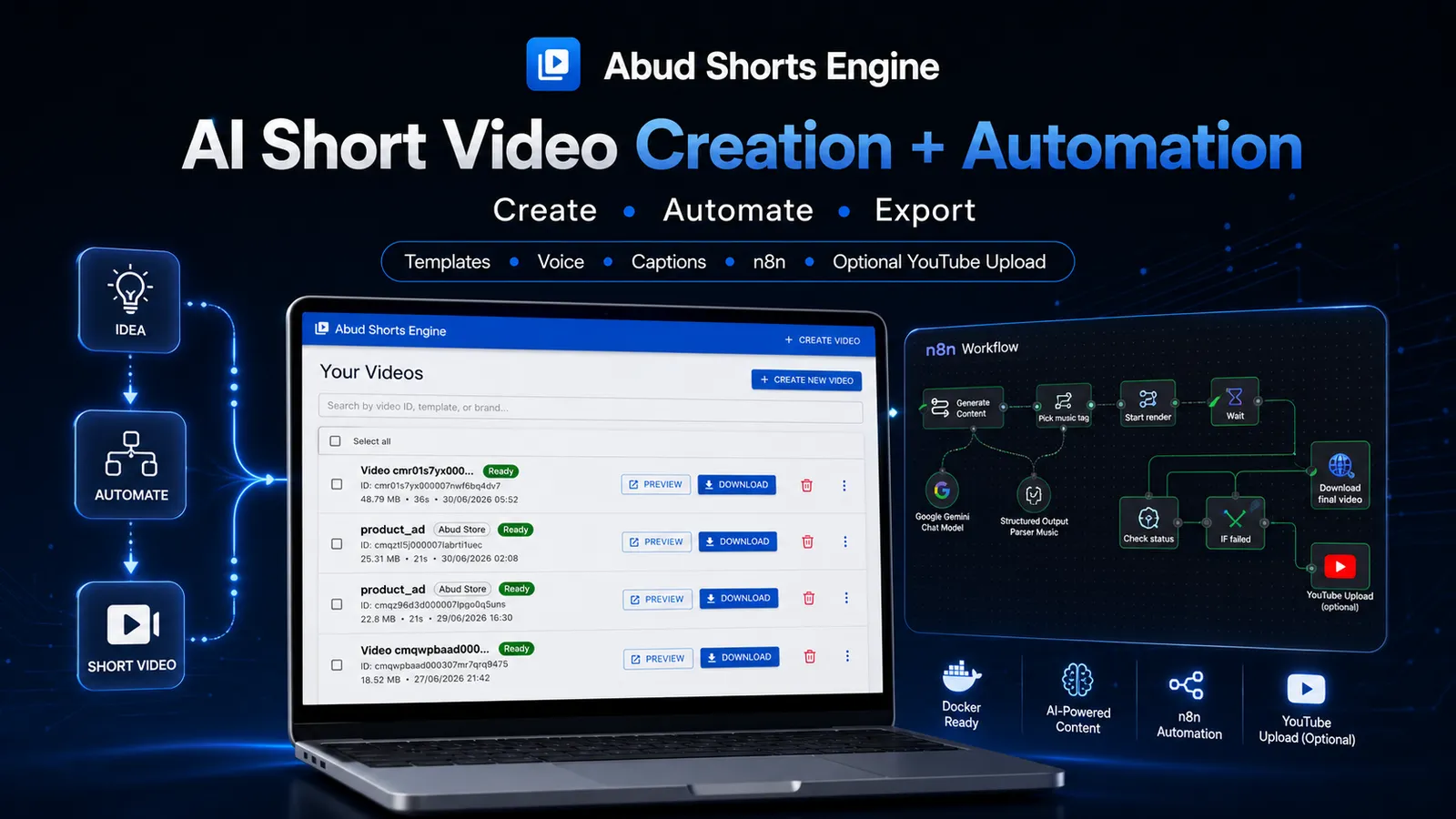
Abud Shorts Engine
محرك محلي بنظام Docker لتوليد فيديوهات Shorts براندد باستخدام قوالب جاهزة، TTS، Captions، Pexels footage، وRemotion rendering.
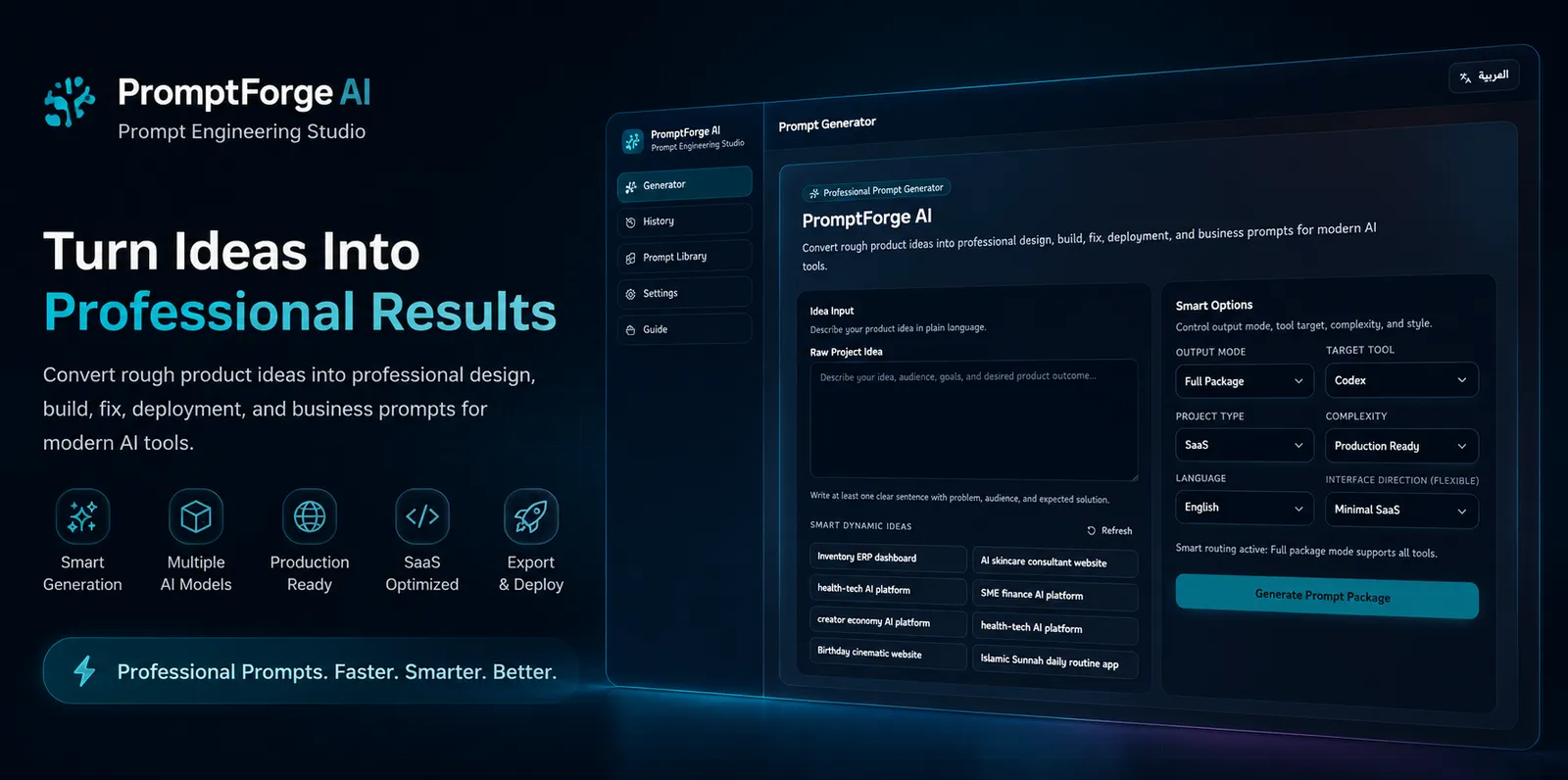
PromptForge AI
منصة لهندسة الـ Prompts وتوليد نماذج أسئلة ذكية للـ LLMs مع واجهة عربية سهلة الاستخدام.
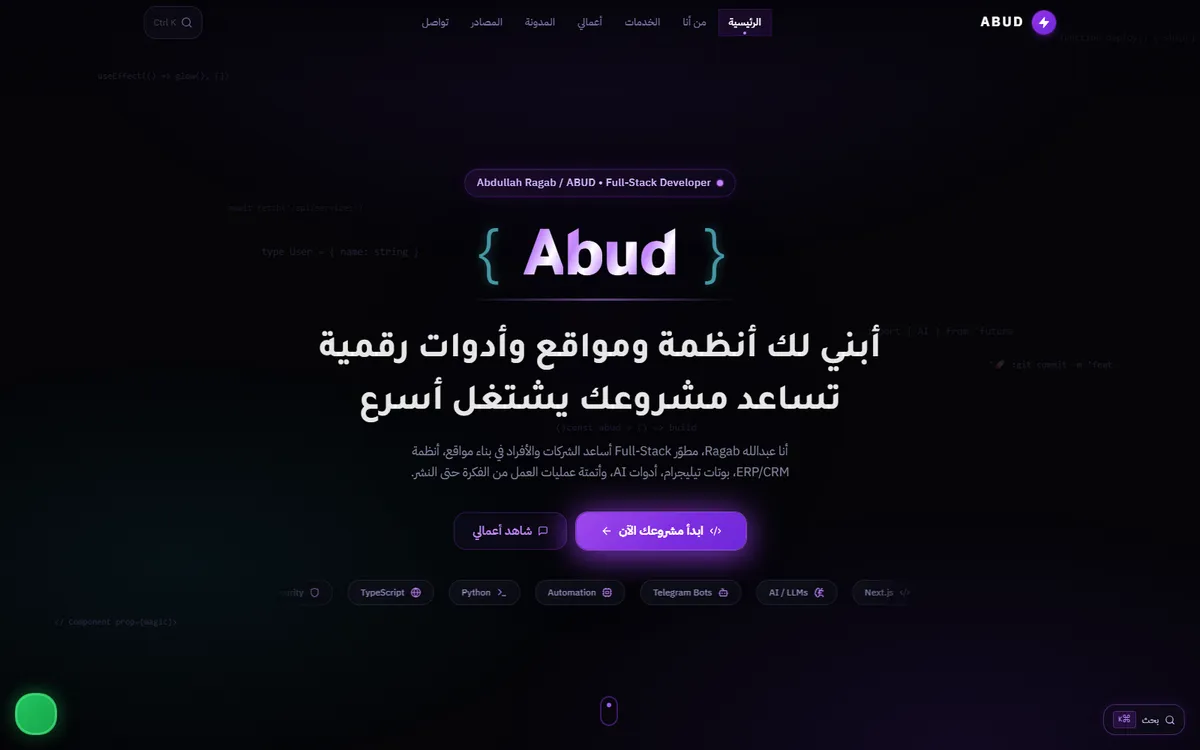
ABUD Platform
المنصة الشخصية التي تجمع الواجهة التسويقية، البورتفوليو، المتجر، ولوحة الإدارة في مشروع متكامل واحد.